what changed
What's new
Every version of the app with its date and highlights — written for the people who use it, not for the people who wrote the code.
- v0.2.0+10Latest
You can now tell us right from the lesson when something is off, and ask for help with a code that finds the problem on your device.
NewFixHighlights of this version
Tell us from the lesson
In every lesson, the ! at the top opens a short list: too hard, too easy, animation problem, wrong question or answer, I didn't understand, typo or translation. You can add a note if you like.
Help with a code of your own
Under Need help?, on the sign-in screen and in your profile, you'll find a short code. Send it by email and we can find the problem on your device without asking for your personal data.
Lesson wrap-up in your language
The completion screen shows what you practiced in that lesson, in your language, with only the XP you actually earned.
Nicknames with accents and emoji
Nicknames with accents or emoji now save correctly, and the app is lighter when it opens.
9:41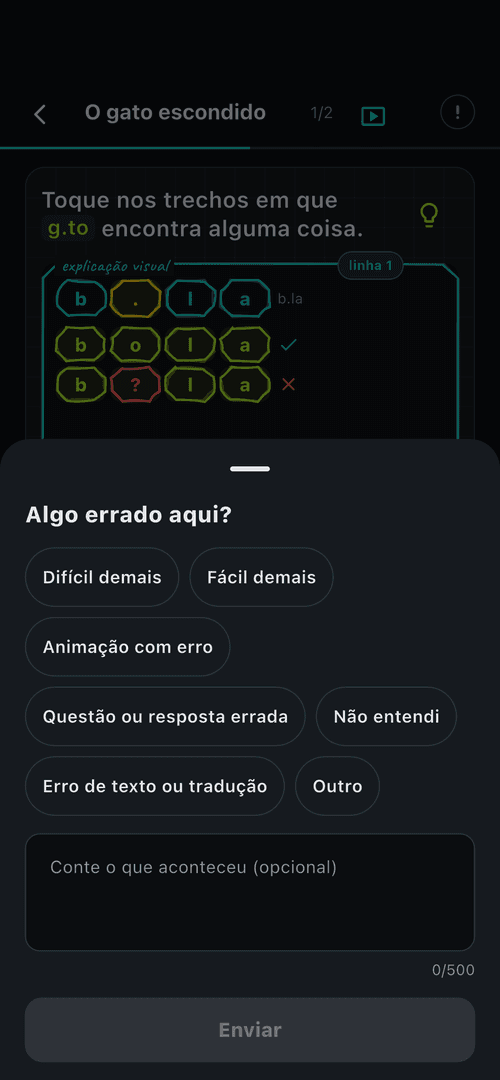
one tap on the ! and we know fresh off the press
You choose what the app calls you
Getting started is shorter: the app no longer asks for your name, and you can change your nickname in your profile any time.
NewHighlights of this version
A faster start
After signing in with Apple or Google, you go straight to your plan. The app uses the name your account already has.
Nickname in your profile
In Profile, Account and preferences, Nickname, you change what the app calls you. It works offline and syncs later.
Private invites ask for age confirmation
Before your first private invite, you confirm once that you are 16 or older. And Google sign-in now tells you when the credential is rejected.
NewFixHighlights of this version
Age confirmation for invites
An invite connects you to other people, so the first send asks you to confirm you are 16 or older. One confirmation, done once.
Clearer Google sign-in
If Google rejects the credential, the app tells you what happened instead of dropping you back at sign-in as if you had given up.
Google sign-in on Android and paywall fixed
Google sign-in no longer fails on Android after account selection, and the paywall no longer gets stuck on "loading".
FixHighlights of this version
Google sign-in working on Android
The app stopped responding after you picked an account. Authorization now happens without the request that froze the flow.
Paywall without the endless loading screen
If the store connection failed, the paywall sat on "loading" for about 38 seconds. Now there is a 15-second limit, showing which step failed.
Failures visible to the team
Sign-in and catalog errors now reach the app's monitoring — faster fixes, no manual report needed.
Cleaner sign-in on iOS
The notice about the sign-in method only appears when choosing Google, and the Google button became the primary action.
The first educa.codes
The first version ships what matters: learning by deciding. Anyone can copy — understanding is what sets you apart.
NewVisualHighlights of this version
Lessons that run in front of you
Code, terminal and drawing react together: the active line lights up, output appears and the flowchart shows the path.
9 interactive exercise types
Predict output, assemble the algorithm, complete code, hunt the bug and even run bubble sort with your finger.
Medals that mean something
Badges are evidence of what you did — nobody buys them, nobody takes them away. Weekly leagues are optional and private.
Three languages from day one
Portuguese, English and Spanish across the app, with same-day content fixes, no store update needed.
9:41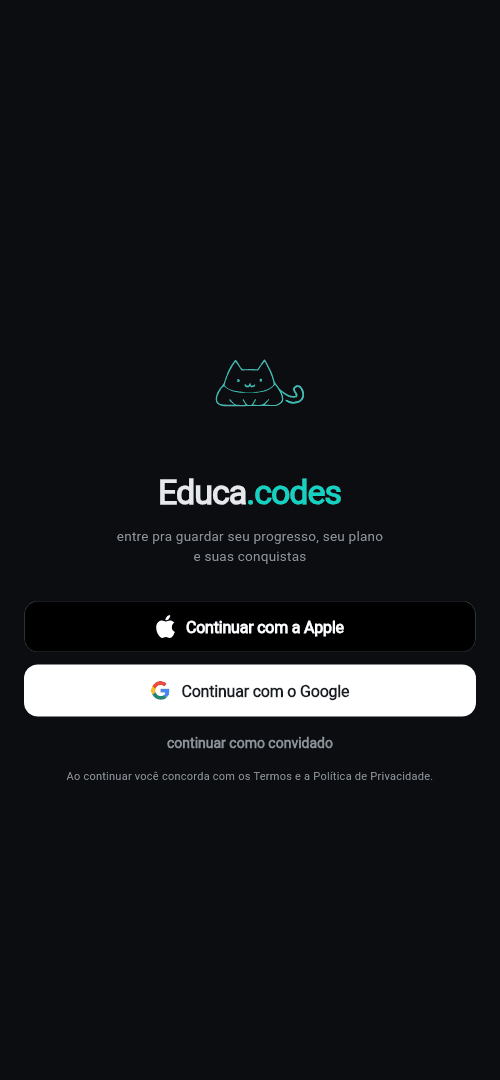 9:41
9:41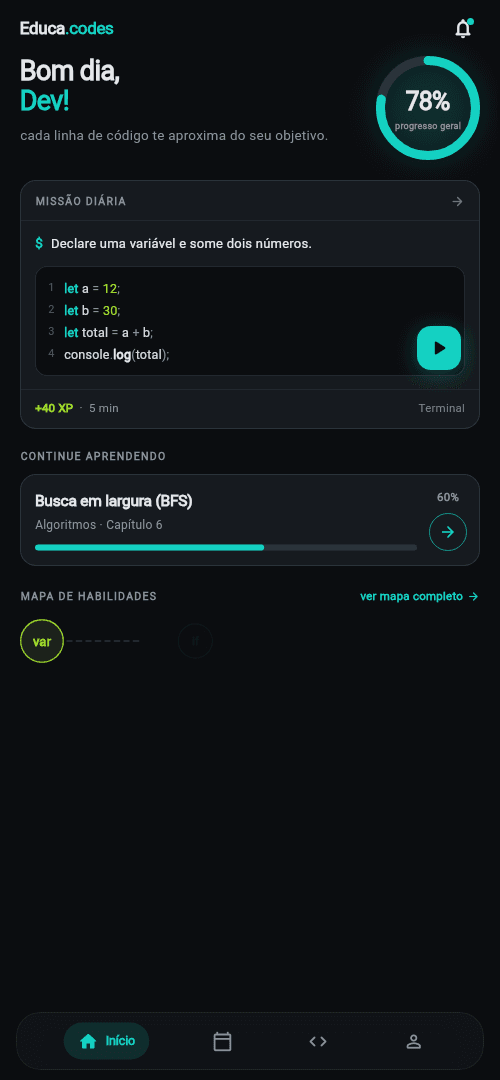 9:41
9:41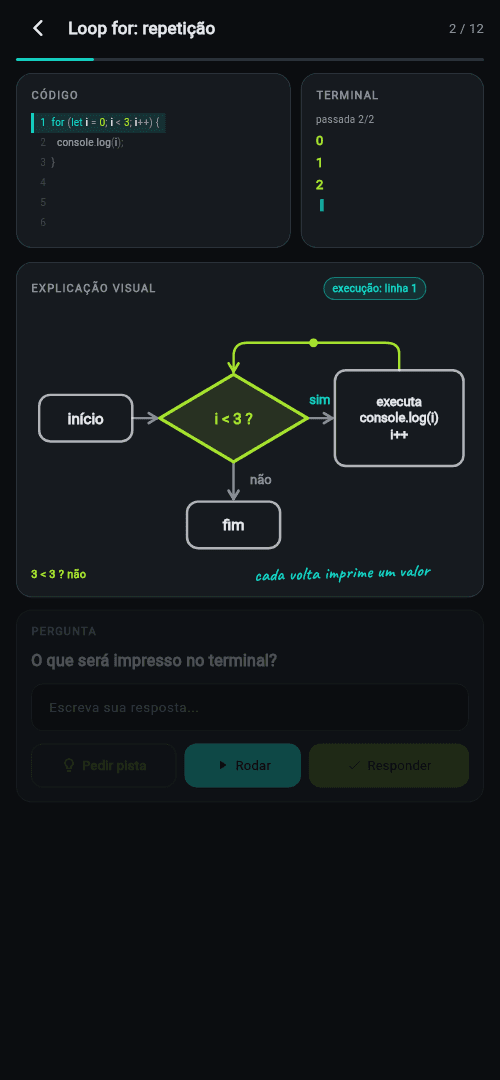 9:41
9:41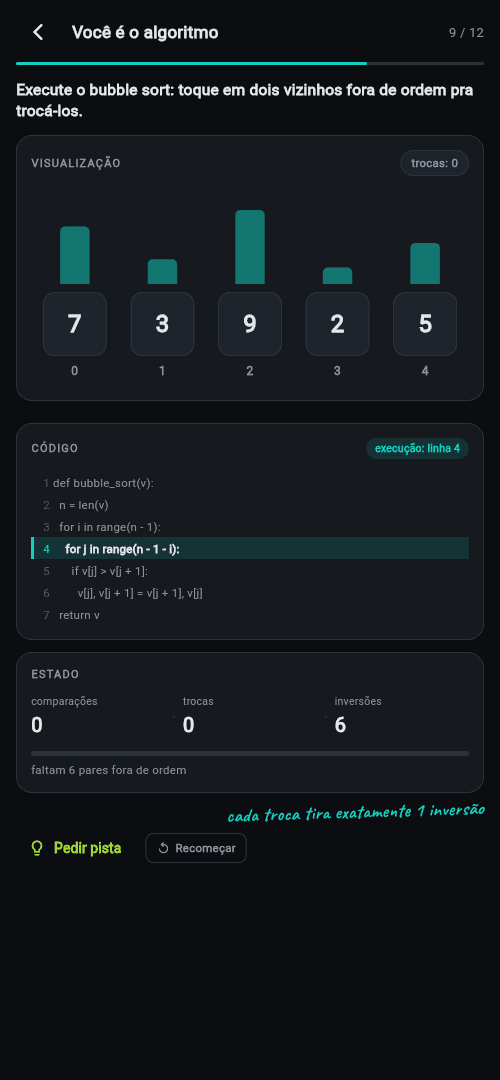 9:41
9:41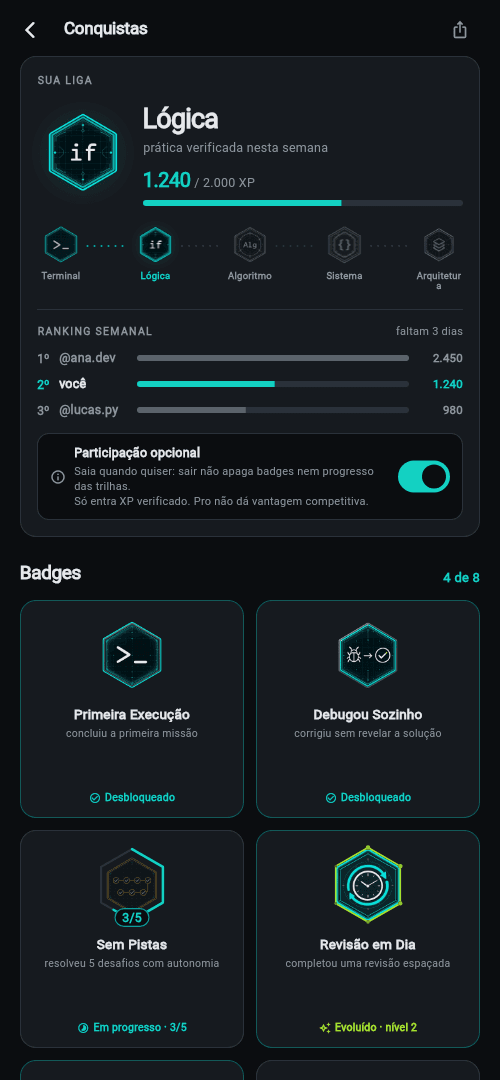 9:41
9:41
where it all started
Want to see it running?
The app is in the final stretch of its pilot. Get a foot in the door through the stores — and follow the build-in-progress on TikTok meanwhile.